
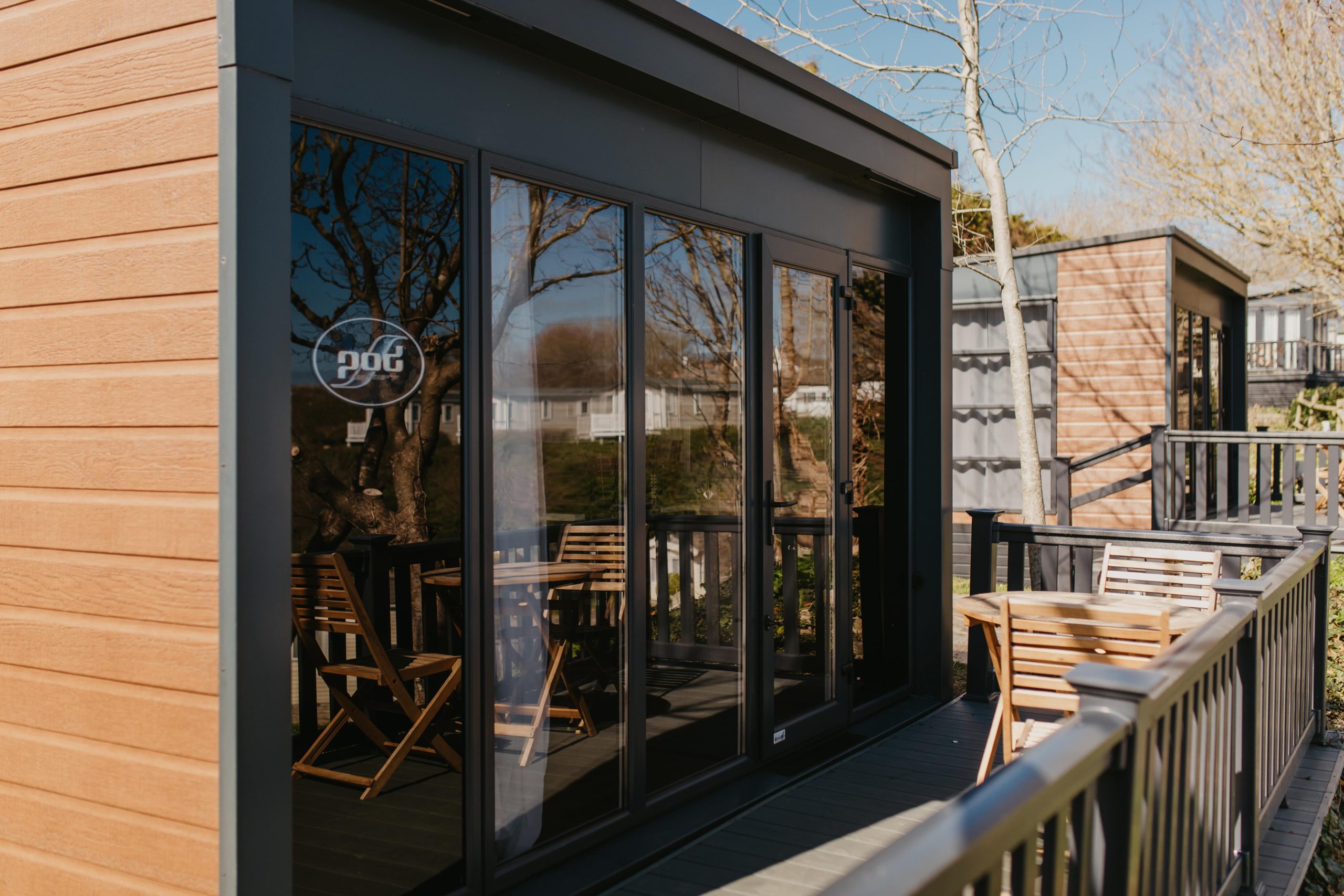
Pods
Operating Instructions
Heating & Air Conditioning
The controls for the heating and air-con are located at the bottom of the cupboard between the bathroom and the sofa bed.
“To control the heating, press the top switch to the left. To activate the air conditioning, press the top switch to the right.”
The switch in the middle can then be used to adjust the heating and the lower switch can be used to adjust the air con.
Make sure the master switch labeled ‘heating’ located slightly higher inside the wardrobe next to the electrical box is switched on.
Please ensure the heating is turned off completely before you depart.
Microwave
To use the microwave, first press the button labeled ‘Microwave’ and set the power from P10 – P100 using the dial, and then press ‘microwave’ again.
Then, turn the dial again to set the time and press start to begin cooking.
Alternatively, you can press the ‘Auto Menu’ button to use the dial to choose which option you require from A1-A8.
TV Operating Instructions
The TV in your property is a Smart TV, so you will be watching TV over the Internet through a built-in app store.
Please note, you will not be able to access Freeview or Freesat on this television due to the local Ariel connection. Therefore, only app-based services are available.
You can access on-demand programs from apps such as BBC iPlayer, ITV Hub, All4, and My5. You can also use your subscription services such as Netflix or Amazon Prime Video.
To get the TV working, just follow these simple steps:
- Turn on the TV using the remote
- Press the home button
How to change applications:
- Click the home button
- Use the arrow buttons to move to the application you would like to select (BBC iPlayer, ITV Hub etc) – the app will enlarge slightly when you are on it
- Press Select button to start the application
- When you want to change applications, simply press the Home button to return to select your preferred application
Troubleshooting:
If the application is not loading, please check that the TV is connected to the internet. You can check the internet connection by following the below steps:
- Click the Home button on the remote
- Go to the settings icon in the top right-hand corner of the screen
- Scroll until you find the network selection
- Select WI-FI connection (not wired) and turn the toggle on
- Select ‘The Penn Estate’ to enable the WI-FI connection